
Key Takeaways
- A deliverability checklist should be read as a diagnostic sequence, not a to-do list: the items are three different kinds of variable that fail in a fixed order.
- Authentication is a one-time gate, not the finish line. Google (Feb 2024) and Outlook (May 2025) now reject or junk mail that fails SPF, DKIM, or DMARC at volume, but passing only buys the right to compete.
- The number that keeps you in the inbox is the spam-complaint rate, gated by Google at 0.3% and measured daily. It is downstream of your list and your copy, so you cannot authenticate your way out of a bad list.
- Open rate is no longer a deliverability signal. Apple Mail Privacy Protection accounts for about 55% of all opens, so judge inbox health by placement tests, bounce rate, and complaint rate instead.
A useful email deliverability checklist answers one question: when your mail lands in spam, what do you fix first? Most checklists never answer it. They hand you twenty to forty line items at equal weight, with DKIM setup sitting next to "avoid spam trigger words" sitting next to "warm up your domain," as if all three were the same size of problem solved the same way. They are not. Work through the flat list top to bottom and you can spend a week re-checking DNS records that were already fine while the thing actually filtering your mail sits untouched at item 34.
The fix is to stop treating the checklist as a pile and start reading it as a sequence. Every item on a real deliverability checklist is one of three kinds of variable, and they fail in a fixed order. Sort them that way and the list stops being a chore and becomes a diagnostic.
Why the flat checklist wastes your week
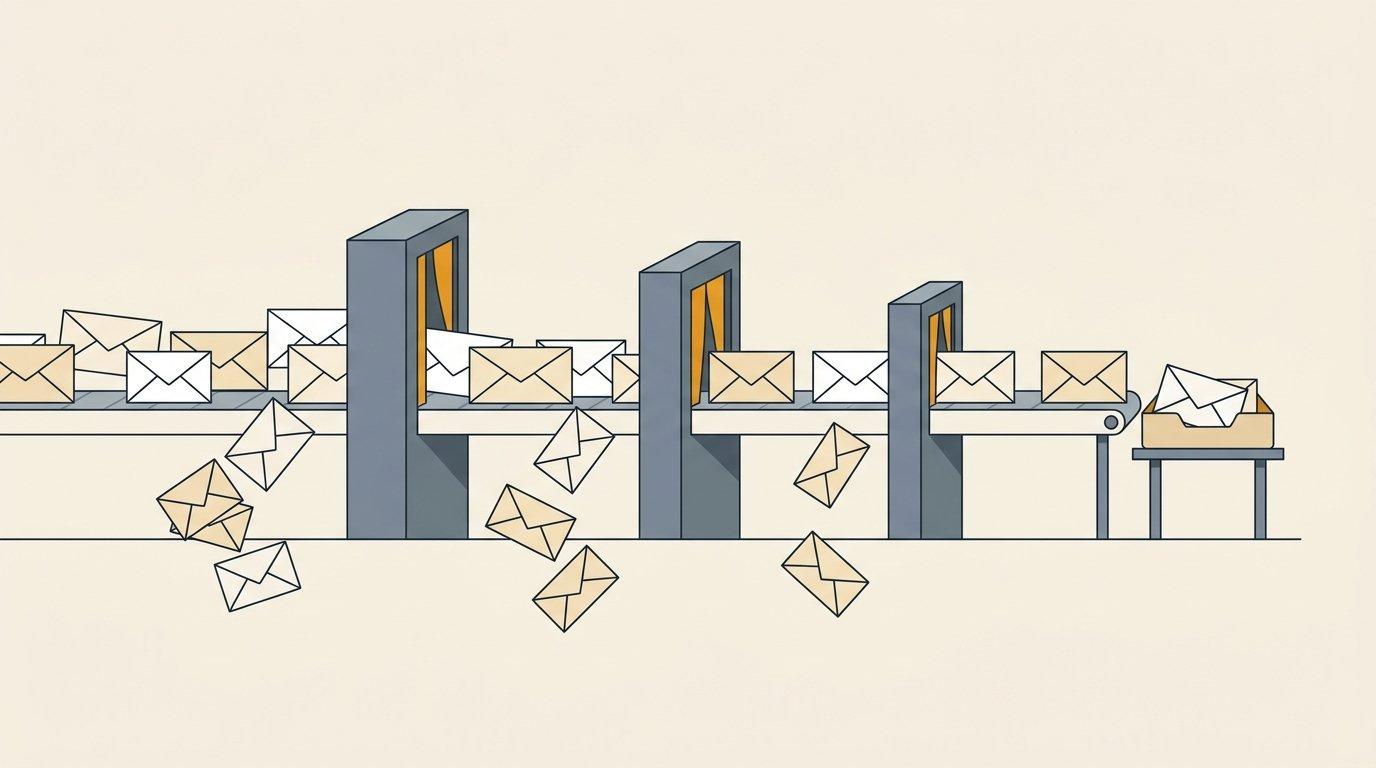
Group the items by what type of thing each one is, and three tiers appear.
The first tier is made of gates. These are binary and one-time: SPF either passes or it does not, and once you set it correctly you are done forever. The second tier is a reputation asset you build over weeks, more like a savings balance than a switch. The third tier is a single ongoing number you manage for the life of the sending program.
Most published checklists spend roughly 80% of their items in the first tier, because binary technical steps are the easiest to write down and check off. That is also the tier least likely to be your actual problem once you are past setup. The result is a document that feels productive and rarely finds the leak. When you know which tier a symptom belongs to, you skip straight to the layer that matters.
Tier 1: the gates you pass once
These are the authentication and identity requirements. They are pass or fail, you configure them one time, and in the last two years they stopped being best practice and became admission requirements.
In February 2024, Google's email sender guidelines began requiring anyone sending to Gmail at volume to authenticate with both SPF and DKIM, publish a DMARC record at a minimum policy of p=none, align the From header with SPF or DKIM, send over TLS, and include one-click unsubscribe on marketing mail with unsubscribe requests honored inside 48 hours. In April 2025, Microsoft followed with its own requirements for high-volume Outlook senders: domains sending more than 5,000 messages a day to Outlook.com must pass SPF, DKIM, and DMARC, or the mail gets routed to Junk and, eventually, rejected outright with a 550 5.7.515 error. Microsoft's guidance adds a detail worth noting: once a domain crosses that threshold, the enforcement sticks even if daily volume later drops back below it.
Your Tier 1 checklist:
- SPF record published and passing for the sending domain
- DKIM enabled and signing every message
- DMARC record published at p=none or stricter, aligned to SPF or DKIM
- A dedicated sending domain, never your primary company domain
- Valid forward and reverse DNS (PTR) on the sending infrastructure
- One-click unsubscribe present and honored within 48 hours
- The list verified so hard bounces stay under 2%
Here is the part the flat checklists get wrong about this tier: passing it buys you nothing except the right to compete. Authentication proves you are who you say you are. It does not prove anyone wants your mail. An afternoon of DNS work clears the gate, and then the gate has no more to give you. If you have confirmed all seven items and mail is still landing in spam, the answer is not hiding in your DNS records, and re-checking them a fifth time is the week-wasting trap. Move on.
Tier 2: the reputation you build over weeks
The second tier is not a checkbox at all. It is a curve. Mailbox providers decide how much to trust a sending domain based on its age, its history, and the consistency of its behavior, and a brand-new domain starts with no history and therefore no trust. You cannot tick "good reputation" the way you tick "SPF configured." You accumulate it.
That is what warmup is for: sending a small, growing volume to engaged recipients so the domain builds a track record before it carries real campaign load. The Instantly 2026 benchmark data, drawn from billions of cold email interactions, points to a two-to-four-week warmup, a ceiling near 100 sends per inbox per day once warmed, and stable sending patterns rather than erratic spikes. The asset also depreciates. Go dark for a month or spike your volume tenfold overnight and the reputation you built erodes, which is why sizing your sending infrastructure to a steady target matters more than raw mailbox count. That sizing question gets its own treatment in our guide to cold email infrastructure.
The Tier 2 point that saves you time: you can pass every Tier 1 gate and still sit in spam because the domain has no reputation yet. That is not a setup error to hunt down. It is a clock. The fix is to slow down, warm properly, and let the curve climb.
Tier 3: the one number that keeps you in the inbox
Past the gates and past warmup, ongoing inbox placement comes down to a single measured number: your spam-complaint rate. Google's sender guidelines set a hard ceiling of 0.3% and recommend keeping it below 0.1%. The rate is calculated daily in Postmaster Tools, and crossing 0.3% makes a bulk sender ineligible for delivery mitigation until the rate stays under the line for seven consecutive days. One binding number, watched every day, with a real penalty for crossing it.
Now the insight most checklists bury or skip: your complaint rate is not produced by your DNS records. It is produced by who is on your list and what you say to them. Authentication controls whether the mail is allowed in. Complaints control whether it keeps getting in. When recipients who never asked to hear from you start marking messages as spam, no SPF fix will save the domain, because the machine measuring you is measuring human reaction, not header syntax. You cannot authenticate your way out of a bad list.
This is where deliverability stops being a technical discipline and becomes a targeting discipline. A tight list of people who fit the offer and a message that speaks to a real reason to reply will hold a complaint rate near zero. A broad, scraped list and a generic pitch will breach 0.3% no matter how clean your DNS is. Getting the list and the trigger right is the entire subject of signal-first outbound, and it is the layer that protects everything above it. If you want the operator-level treatment of how these layers interact as one system, our deeper piece on cold email deliverability walks through it.
Stop measuring the wrong thing
One more item belongs on the modern checklist, and it is a deletion. Cross "monitor your open rate" off the list as a deliverability signal.
Open rate broke as a metric when Apple shipped Mail Privacy Protection. It pre-fetches message content at delivery, which registers an open whether the recipient looked at the message or not. Litmus reports that Apple Mail Privacy Protection accounts for about 55% of all opens, so more than half of your reported opens are noise. A dashboard showing 60% opens tells you almost nothing about whether you are reaching the inbox.
Replace it with three signals that still mean something. Run inbox-placement seed tests to see where mail actually lands across Gmail, Outlook, and Yahoo, since placement is rarely uniform across providers. Watch your bounce rate, keeping it under 2% so list-quality problems surface early. And watch the complaint rate from Tier 3 as the number that governs the whole program. Those three describe deliverability. Open rate no longer does.
How to actually run the checklist
Read the tiers as a decision tree, not a linear to-do list.
When mail lands in spam, start at Tier 1 and confirm the gates. This takes an afternoon and it is binary, so you either find a failed check and fix it or you clear the whole tier and move on. If the gates all pass and mail is still filtered, the problem lives in Tier 2 or Tier 3. Either the domain is too new and you ramped too fast, or the complaint rate is climbing because of who you are emailing and what you are saying.
The expensive mistake, the one that burns weeks and budget, is treating a Tier 3 problem as a Tier 1 problem. A team watches deliverability slip, assumes something is broken in the setup, buys another deliverability tool, re-runs the authentication checker, spins up fresh domains, and keeps re-authenticating a sending program whose real issue is that people do not want the mail. The tool was never going to fix a list problem. The checklist tiers tell you that before you spend the money.
This is why deliverability sits inside the Outreach Engine rather than off to the side as an IT task. Every layer above depends on the layer below it, and all of them depend on the quality of the list feeding the program. Wired together and measured against one number, booked sales conversations, deliverability stops being a recurring fire drill and becomes something you manage on purpose. If you would rather have the whole system built and run for you, that is the top-of-stack service we operate end to end, and the signal-based outreach checklist is a good place to pressure-test the list layer yourself.
Deliverability is not a wall of equal checkboxes. It is three tiers that fail in order: gates you pass once, a reputation you build over weeks, and a complaint number you manage forever. Sort your checklist that way and you will always know what to fix first.
