Key Takeaways
- LinkedIn's User Agreement bans the browser bots and scrapers most automation tools rely on, and LinkedIn restricts millions of accounts that trip its detection systems.
- Automate the safe layer (research, list-building, sequencing reminders, CRM logging) and keep connection notes, first messages, and replies written by a person.
- Treat LinkedIn as one channel inside a coordinated outreach engine that is measured on booked sales conversations rather than raw connection volume.
What people mean when they search for LinkedIn outreach automation tools
Search that phrase and you get ranked lists. Twelve tools, thirty tools, forty tools, each one promising more connections and more replies with less work. Almost none of them start with the question that decides whether the tool helps you or costs you your account: what is this software actually doing on LinkedIn, and does LinkedIn allow it?
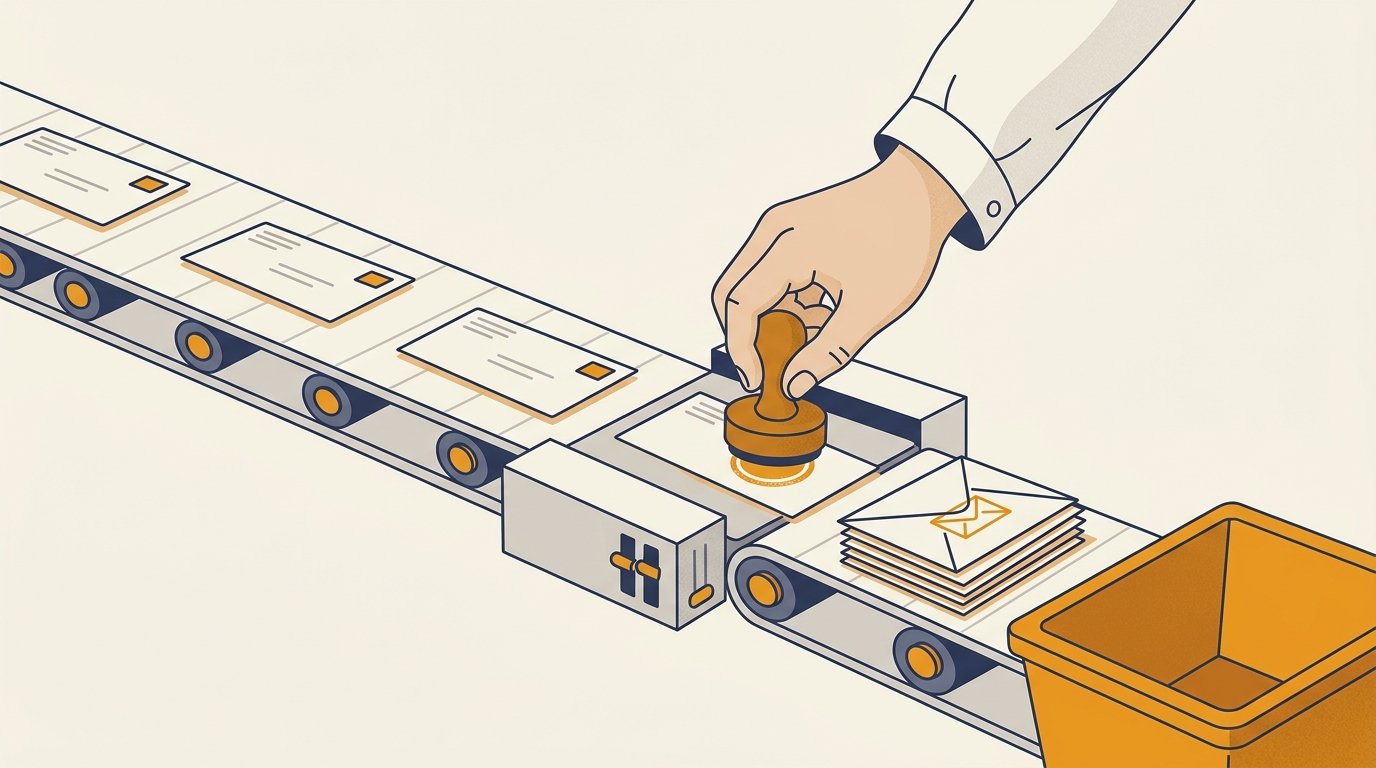
There are two very different things hiding under the word "automation." The first is a bot that logs into your account and clicks for you. It views profiles and sends connection invitations. It fires off messages and likes posts on a schedule, imitating a human who never sleeps. The second is software that handles the work around your outreach without pretending to be you inside LinkedIn: pulling a target list, drafting message variants, reminding you when a follow-up is due, and logging replies to your CRM.
Those two categories look similar in a feature grid. They are not similar in risk. One of them puts your account, and often your company's presence on the platform, on the wrong side of LinkedIn's rules. The other is how disciplined teams run outbound at a steady pace. Before you pick a tool, you need to know which layer it lives in.
The risk the listicles skip
Most roundups rank tools by reply rate and skip the part where LinkedIn tells you, in writing, that the core behavior is against the rules.
LinkedIn's User Agreement is direct. Section 8.2 prohibits members from developing, supporting, or using "software, devices, scripts, robots or any other means or processes (such as crawlers, browser plugins and add-ons or any other technology) to scrape or copy the Services." The same section bans the use of "bots or other unauthorized automated methods to access the Services, add or download contacts, send or redirect messages, create, comment on, like, share, or re-share posts, or otherwise drive inauthentic engagement." Read that list again. Auto-connecting, auto-messaging, and auto-scraping profile data are the marquee selling points of most LinkedIn automation tools, and the agreement names them as violations.
LinkedIn's help center says the same thing in plainer language. Its page on prohibited software and extensions states that any member using tools to scrape or automate activity "is in violation of the User Agreement," which means "they risk having their accounts restricted or shut down," and that "any prohibited tools they're using may become non-operational without notice." So the tool can stop working overnight, and your account can be limited at the same time.
This is not a policy that sits unenforced. In its litigation against the data firm hiQ Labs, LinkedIn told the Ninth Circuit Court of Appeals that it blocks roughly 95 million automated attempts to scrape data every day and has restricted more than 11 million accounts suspected of violating its User Agreement. The court record describes the machinery behind that: a system called Quicksand that detects non-human activity, a system called Sentinel that throttles or blocks suspicious traffic, and a block list of known scraper addresses. LinkedIn has spent years building detection specifically to catch software that behaves like a bot.
The practical lesson for an operator is simple. When a tool advertises that it runs from a browser extension on your machine and mimics your clicks all day, it is doing the exact thing LinkedIn watches for. Cloud-based tools that run from a shared server are easier for LinkedIn to spot, not harder, because the traffic pattern does not match a real person in your city on your device. The reply-rate number in the listicle means nothing if the account sending those replies gets restricted in month two.
What is safe to automate, and what should stay human
The useful question is not "should I automate LinkedIn," it is "which parts of this work are safe to hand to software." Draw the line at the LinkedIn action itself.
Safe to automate, because it happens outside the platform or supports your judgment rather than replacing it:
Research and list-building from compliant data. Building a target list from a sales-intelligence source, a data provider, or your own CRM export is standard outbound work. The problem starts when the tool scrapes that data directly off LinkedIn profiles at scale, which is the scraping the User Agreement names. Source your data from providers that license it, then bring it into your process.
Sequencing and reminders. Software that tells you "these eight people are due for a follow-up today" and drafts the message for you to review is a scheduler, not a bot. You still press send.
Message drafting and variant testing. Writing first-draft copy, testing subject-line and opener variants, and personalizing at the research level are all fine. The words that go out should still read like a person wrote them, because prospects can tell when they did not.
CRM logging and handoff. Recording that a reply came in and updating the deal stage is exactly what automation is good at. Routing the warm lead to the right person is too. This is Follow-Up Engine work, and it leaks pipeline when it is left to memory.
What should stay in human hands is the small set of actions that happen inside LinkedIn and that LinkedIn scores for authenticity: sending the connection invitation, writing the note attached to it, sending the first message, then replying when someone responds. These are also the actions that carry your reputation. A connection note that reads like it came off an assembly line does more damage than no note at all. Keeping a person in the loop on those steps is both the safe choice and the effective one.
How to evaluate a LinkedIn outreach tool
Once you know the line, evaluating tools gets faster. Ask five questions before you look at a single pricing page.
Where does it run? A tool that operates through a browser extension on your own machine at least matches your real device and location, though it still automates in-platform actions. A tool that runs your account from its own cloud server is the higher-risk pattern LinkedIn's detection is built to catch. Neither removes the underlying policy problem, so weigh how much in-platform action you are willing to hand over.
Does it pace activity like a human? Any tool that promises to send hundreds of invitations a day is selling you a restriction. LinkedIn limits how many invitations you can send and throttles accounts that spike, and the court record above shows how actively it watches for non-human rhythms. Steady, low daily volume with real gaps is the only pattern that survives.
Does it cover email in the same system? The strongest outbound does not live on one channel. A tool that handles LinkedIn steps but cannot coordinate with your email sequence forces you to stitch two systems together and lose the thread on who has heard what.
Does it sync to your CRM? If replies, connection status, and message history do not land in your CRM automatically, your follow-up will depend on a rep remembering, which is where most booked meetings quietly die.
How does it source data? If the answer is "we pull it straight from LinkedIn," that is the scraping the User Agreement prohibits. Prefer tools that connect to licensed data sources or let you import your own list.
Well-known category examples help ground the comparison. LinkedIn's own Sales Navigator is the one first-party tool, built for search, saved lists, and warm-intro discovery rather than auto-messaging, and it starts around 99 dollars a month per seat. Third-party names like Dripify, Expandi, HeyReach, and Waalaxy sit in the automation category and vary in how aggressively they act on your account, so the five questions above matter more than the brand.
Where LinkedIn actually fits in an outbound system
Here is the reframe that changes how you buy. LinkedIn is one channel, and no single channel is the system.
A prospect who ignores a cold email will sometimes accept a connection and reply to a short note. A prospect who ignores a connection request will sometimes answer a well-written email two days later. The point of running both is not more volume, it is more surface area on the same set of accounts, timed so the touches reinforce each other instead of arriving at random.
That coordination is the job of an outbound system, not a LinkedIn tool. The system decides who to reach based on real buying signals rather than a static list, sequences email and LinkedIn touches in a sensible order, keeps deliverability healthy so the email half actually lands, and routes replies fast enough to book the meeting while intent is warm. The LinkedIn automation tool is a component inside that, handling the parts that are safe to hand off. When people buy the tool as the whole strategy, they end up with a bot that racks up connections and a calendar that stays empty.
Measure the system on one number: booked sales conversations. Connection-acceptance rate and reply rate are inputs, useful for diagnosing where a sequence stalls, but they are not the outcome. If your LinkedIn activity climbs and your booked conversations do not, the tool is producing motion, not pipeline. That distinction is the entire difference between busy outreach and outbound that works, and it is worth auditing against a clear outreach checklist before you scale spend on any tool.
A safe LinkedIn workflow you can run this week
You do not need a forty-tool stack to run LinkedIn well. A workflow that respects the platform and still moves fast looks like this.
Build a tight target list from a licensed data source or your CRM, scored by fit and a recent trigger worth mentioning. Warm the account first by engaging with a few prospects' posts as yourself. Send a small daily batch of connection invitations, each with a short note that references why you are reaching out, written by a person. When someone connects, wait, then open with a message about their situation, not your pitch. Run a parallel email sequence to the same accounts so the two channels reinforce each other. Log every reply to your CRM and route warm ones to a real conversation within the hour. Let software handle the mechanical parts: list-building, message drafts, follow-up reminders, CRM logging. Keep the clicks and the words inside LinkedIn human.
That is the version of LinkedIn outreach automation that books meetings without betting your account on a bot. The tools help. They are not the plan.

Joseph Perkins
Joseph Perkins is the founder of Perkins Growth Systems. He spent 7 years leading marketing for a 4x Inc. 5000 firm from startup to exit, and now engineers search visibility, signal-based outbound, and RevOps and CRM automation systems for B2B companies.