
Key Takeaways
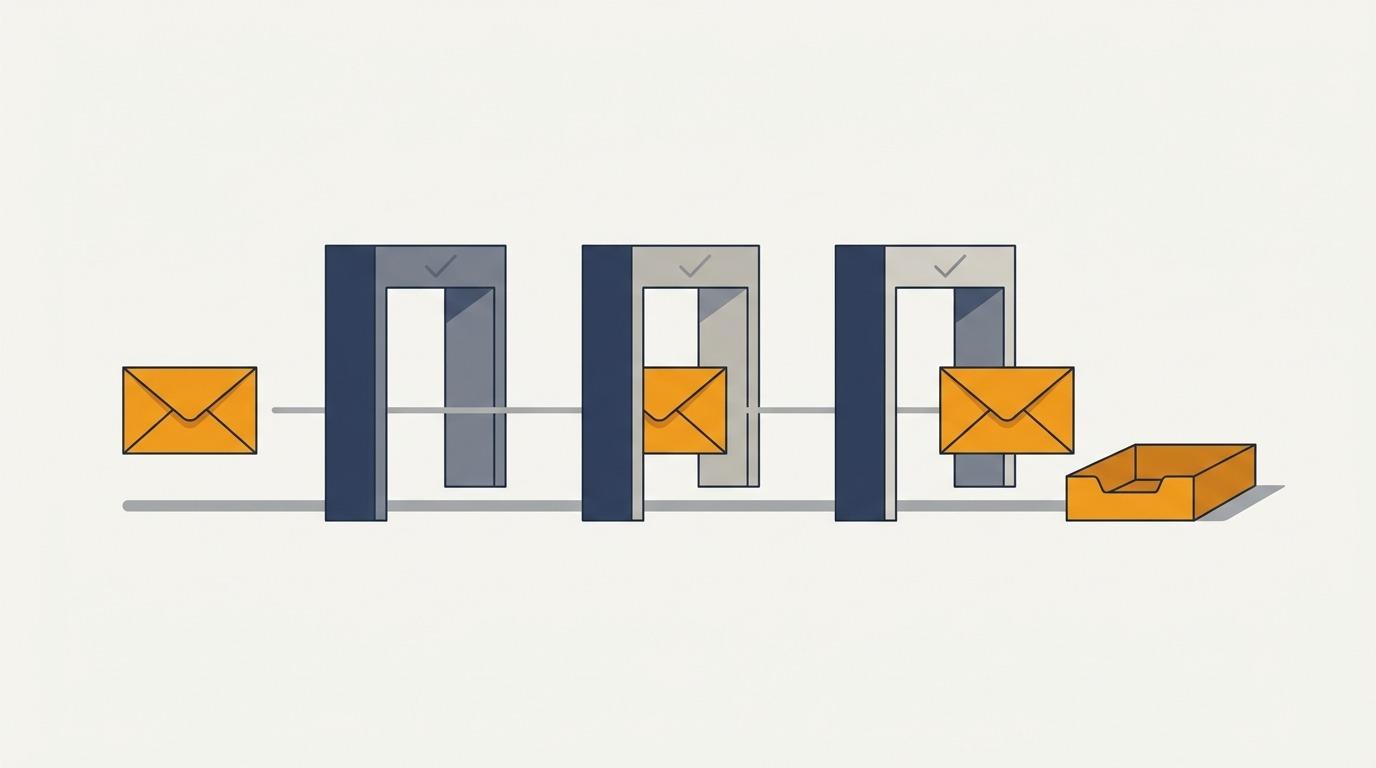
- SPF, DKIM, and DMARC are not competing options. SPF authorizes which servers can send for your domain, DKIM signs the message so it cannot be altered in transit, and DMARC ties both to your visible From domain and tells receivers what to do when a message fails.
- Since Google and Yahoo's February 2024 rules and Microsoft's May 2025 enforcement, failing these checks means bulk mail is rejected outright. This is a pass-fail gate, not advanced deliverability.
- The quiet failure is alignment: valid SPF and valid DKIM can still fail DMARC if neither authenticated domain matches your From domain, which is exactly what happens when you send through a third-party tool without configuring it.
- Valimail found 78% of domains publish a DMARC record but only 42% enforce one. A policy of p=none satisfies the mailbox rule and does nothing to stop spoofing, so treat it as the floor, not the finish line.
What SPF, DKIM, and DMARC each check
The "vs" in the title is the wrong mental model, so let me kill it first. SPF, DKIM, and DMARC are not three tools you choose between. They are three layers that do different jobs, and modern email providers now expect all three at once.
Here is each one in plain terms.
SPF (Sender Policy Framework) is a record in your domain's DNS that lists which mail servers are allowed to send email for you. When a message arrives, the receiving server checks whether it came from one of the servers on that list. It answers one question: is this sender authorized to use this domain?
DKIM (DomainKeys Identified Mail) adds a cryptographic signature to every message you send. The receiving server uses a public key in your DNS to confirm two things: the message genuinely came from your domain, and nobody altered it in transit. SPF vouches for the server. DKIM vouches for the message itself.
DMARC (Domain-based Message Authentication, Reporting, and Conformance) sits on top of both. It does two jobs. First, it tells receiving servers what to do when a message fails the checks, whether to let it through, send it to spam, or refuse it. Second, it sends you reports on who is sending mail using your domain, including anyone spoofing you. DMARC is the policy layer that turns SPF and DKIM from passive checks into an enforced rule.
So the honest answer to "SPF vs DKIM vs DMARC" is that you need all three, configured to work together. The interesting question is not which one to pick. It is what happens when you get the wiring between them wrong, because that is where most cold email quietly dies.
Why this stopped being optional in 2024
For years, email authentication was a security topic that deliverability nerds cared about and most senders ignored. That ended.
In February 2024, Google and Yahoo turned authentication into a requirement for bulk senders. Google's email sender guidelines now spell out the enforcement plainly: anyone sending to Gmail at volume must authenticate with both SPF and DKIM, publish a DMARC policy of at least p=none, keep the From header aligned with the authenticated domain, and hold their spam complaint rate below 0.3%. Miss the authentication pieces and Google's own table says your mail gets temporary failures, permanent failures, or the spam folder.
Microsoft followed in 2025, and went further. In its April 2025 announcement for high-volume senders, Microsoft required SPF, DKIM, and DMARC for any domain sending more than 5,000 messages a day to Outlook.com, Hotmail.com, and Live.com. Where Google and Yahoo eased in through the spam folder, Microsoft moved to outright rejection, bouncing non-compliant mail with the error 550 5.7.515 Access denied, sending domain does not meet the required authentication level. The message does not land in spam. It never arrives.
For anyone running cold outbound, read that consequence carefully. If your sending domains are not authenticated, your email is not competing for attention in a crowded inbox. It is not reaching the inbox at all. Authentication is no longer a deliverability optimization. It is the price of being allowed to send. This is the layer underneath everything else we build into the Outreach Engine, and it is the first thing to check when a campaign's numbers collapse for no obvious reason.
The word that breaks deliverability: alignment
Here is the failure I see most often, and the one almost every "what is SPF" explainer skips.
You can have a valid SPF record and a valid DKIM signature and still fail DMARC. The reason is a concept called alignment, and it is the whole point of DMARC. DMARC does not just ask whether SPF or DKIM passed. It asks whether the domain that passed matches the domain your recipient sees in the From field.
Play it out with a common setup. You send cold email through a third-party platform. That platform sends from its own infrastructure, so SPF validates the platform's domain and DKIM signs with the platform's domain. Both checks pass. But your From address is your own domain, and neither authenticated domain matches it. DMARC needs at least one aligned pass, so it fails, even though SPF and DKIM each came back green. Microsoft's own authentication troubleshooting guide walks through this exact case: SPF passes but the SPF domain does not align with the From domain, DKIM also fails to align, and the message is quarantined or rejected.
The fix is to make the authenticated domain match your From domain. In practice that means configuring your sending tool to DKIM-sign with your domain rather than its own, and setting a custom return path on your domain so SPF aligns too. Any real sending platform supports this. The trap is assuming that because the tool "handles authentication," you are covered. It handles authentication for its domain. Alignment with yours is your job.
One more record-level failure worth naming, because it is silent: SPF allows only 10 DNS lookups. Stack up a few email tools, a CRM, and a couple of other services in one SPF record and you quietly blow past the limit, at which point SPF returns an error and DMARC alignment on the SPF side stops working. If you send through several services, audit the lookup count rather than assume a record that exists is a record that passes.
p=none is the floor, not the finish line
Passing the mailbox providers' checks and actually protecting your domain are two different bars, and most senders stop at the first one.
DMARC has three policy settings. A policy of p=none tells receivers to monitor but take no action on failures. p=quarantine sends failing mail to spam. p=reject refuses it outright. Google and Microsoft only require p=none as the minimum, which is exactly why so many domains stop there. Valimail's 2026 State of DMARC report found that 78% of domains now publish a DMARC record, but only 42% have moved to an enforcing policy. That 36-point gap is the difference between checking a box and closing the door. A domain sitting at p=none is telling the world it has DMARC while doing nothing to stop someone from spoofing it.
For a cold sender, that gap is not abstract. Your domain reputation is your deliverability. If a spoofer sends garbage under your domain while you sit at p=none, the complaints and spam reports attach to your name, and your legitimate campaigns pay for it. Moving to enforcement is how you keep your reputation yours.
The path is straightforward and worth the week it takes. Publish DMARC at p=none with aggregate reporting turned on, read the reports to find every legitimate service sending under your domain, fix each one's alignment, then step the policy up to p=quarantine and finally p=reject. The reports are the point. They show you exactly what is sending as you before you start refusing mail. This is the same discipline we cover in the email deliverability checklist, applied to the authentication layer specifically.
Authentication gets you to the door, not through it
Now the part that reframes the whole topic for anyone doing outbound. Passing SPF, DKIM, and DMARC does not put you in the inbox. It gets your message admitted to the room where the inbox decision is made.
Once you clear authentication, the provider judges the message on everything authentication does not touch: how many recipients mark you as spam, how clean your list is, whether the sending domain has been warmed, and whether the content and volume look like a human or a blast. Google's own 0.3% complaint-rate threshold is the tell. Authentication proves you are who you say you are. It says nothing about whether people want your mail. A perfectly authenticated message to a bad list still gets buried, and no DNS record will save it.
This is why we treat authentication as the entry requirement rather than the strategy. It belongs in the same layer as domain setup and warmup, the plumbing covered in cold email infrastructure. The work that actually moves reply rates lives downstream, in the list quality and complaint discipline covered in cold email deliverability. Get the authentication wrong and none of that downstream work gets a chance. Get it right and you are exactly where you should be: competing on the merits of who you emailed and why.
The setup that actually holds
If you run outbound, here is the version worth acting on. Authenticate every sending domain with SPF and DKIM. Make your own domain the one that passes on both the From header and the return path, so DMARC alignment holds up for real rather than on paper. Publish DMARC with reporting turned on, then use those reports to climb from p=none toward an enforcing policy. Watch the SPF lookup count if you send through more than a couple of services. If you want the full pre-send setup in one place, we keep it in the signal-based outreach checklist.
Then remember what all of that buys you. It buys you a seat at the table, not a booked meeting. The providers made authentication mandatory because it is table stakes, and table stakes is exactly how to treat it: necessary, non-negotiable, and not the thing that wins. The number that matters is still booked sales conversations, and those come from reaching the right people with a real reason to reply, on infrastructure clean enough to carry the message. Authentication just makes sure the message arrives so the rest of the work can count.
